What counts as a walk-in
A walk-in is a visitor who shows up at the door without a guest pass, no QR code, no access code, nothing issued in advance. Instead of turning them away, the desk checks their ID and records the visit directly, rather than tying it to a pass. Walk-ins only apply to buildings running front desk mode with ID verification turned on; without ID capture, there's nothing to record.
How it's recorded
At the tablet, the front desk scans the visitor's photo ID the same way they would for a pass holder, but since there's no pass to attach it to, the capture stands on its own as a desk check. It's stored as an encrypted ID record with no linked pass, tagged with whoever handled it and the time it happened.
How it shows up in Guest Passes
Walk-ins appear in the Guest Passes table alongside regular passes, sorted into the list by time. A walk-in row looks different from a normal pass:
- Host, Unit: shows "No host, front desk" since there's no resident tied to it
- Guest: the visitor's name, with "Walk-in, ID checked at desk" underneath
- Type: "Desk check"
- Documents: an ID chip showing one photo ID on file
- Status: a dashed "Record only" pill instead of Active, Expired, or Revoked
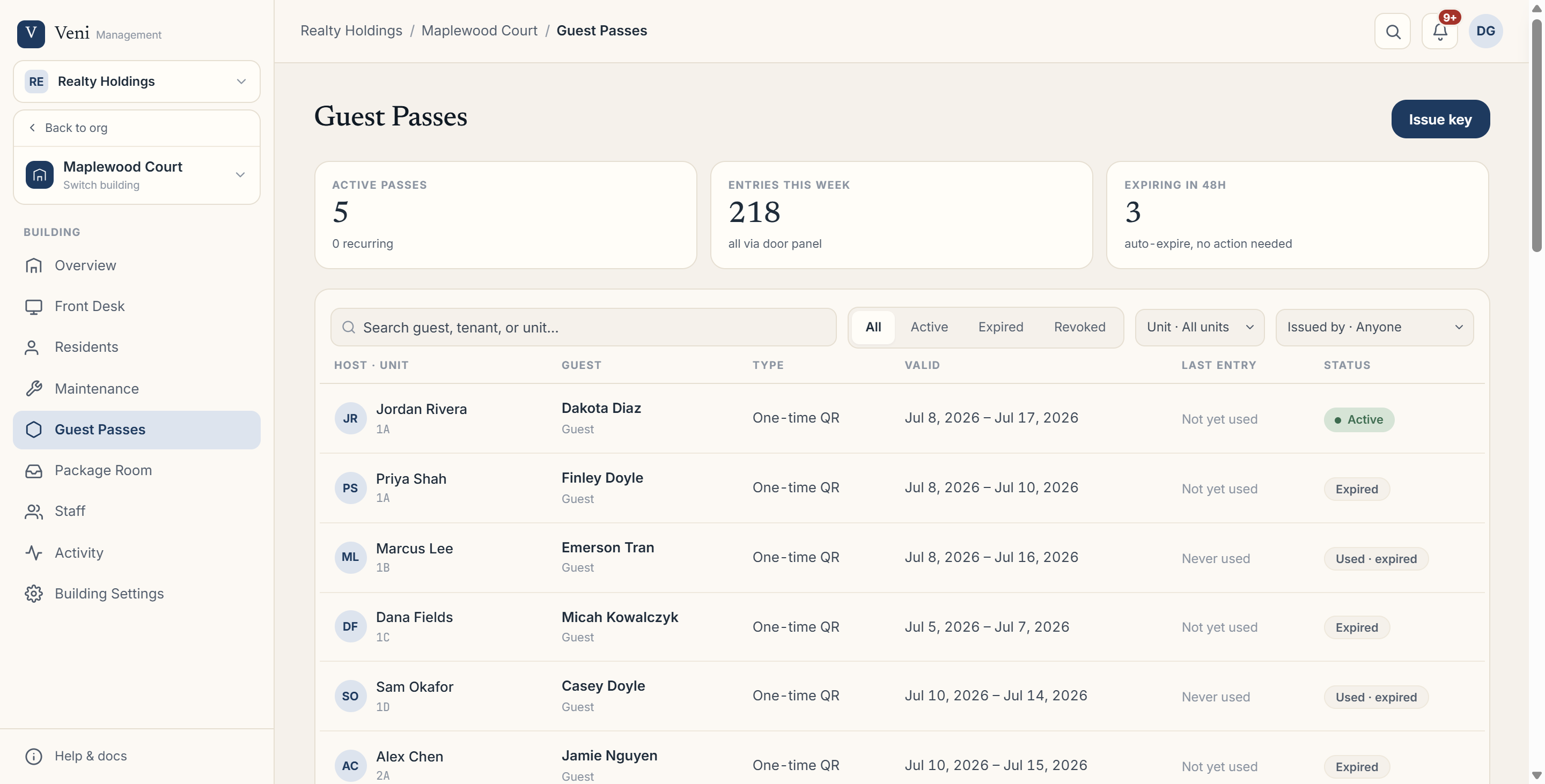 The Guest Passes tab, where walk-in records appear alongside issued passes
Why this matters
Walk-in records give you the same audit trail you'd get from a formal pass: who came in, when, and whether their ID was checked, even for visits nobody scheduled ahead of time.
More in Front desk