Before anyone can work a shift, two things need to be in place: a way for the desk tablet to sign in, and their name on the building's roster. Both live under Building Settings → Front Desk.
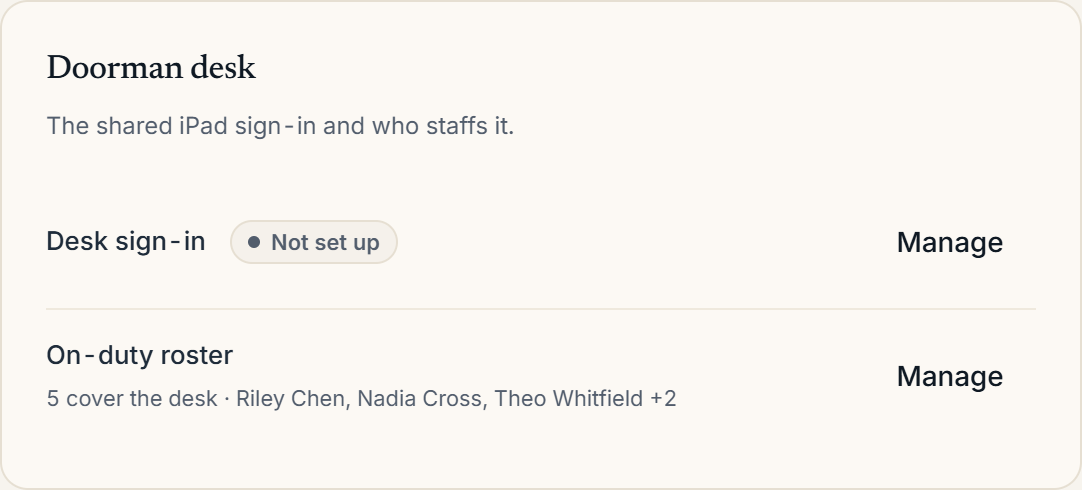 Building Settings with the Front Desk section
Desk sign-in
The Desk sign-in row shows whether the tablet is set up. Choose Manage to create the desk's email and password: the credentials the shared tablet uses to reach the front-desk app. From here you can also Regenerate password or Reset desk if a device is lost or replaced.
The on-duty roster
The On-duty roster lists who can pick up a shift at this desk. Use Manage to add or remove people from the roster. Roster entries are added to the building through People & Access; the roster here controls who may start a shift on the tablet.
Starting a shift
On the tablet, you open the Who's on duty? screen and tap your name to start a shift: every pass approval, call, and package is then attributed to them. If someone needs to cover without a rostered account, Team coverage starts a labeled coverage shift instead.
More in Front desk