Every Veni building can print a QR decal for its entrance. A visitor scans it with their phone camera to call a resident; or, at a secondary door, to call the front desk. No app install required.
The building decal
Open a building and go to its Decal page. You'll see a print-ready sheet with the Veni wordmark, the building name, and a large QR code captioned Scan to call a resident. Use Print / Save as PDF to produce it, then post it at the main entrance.
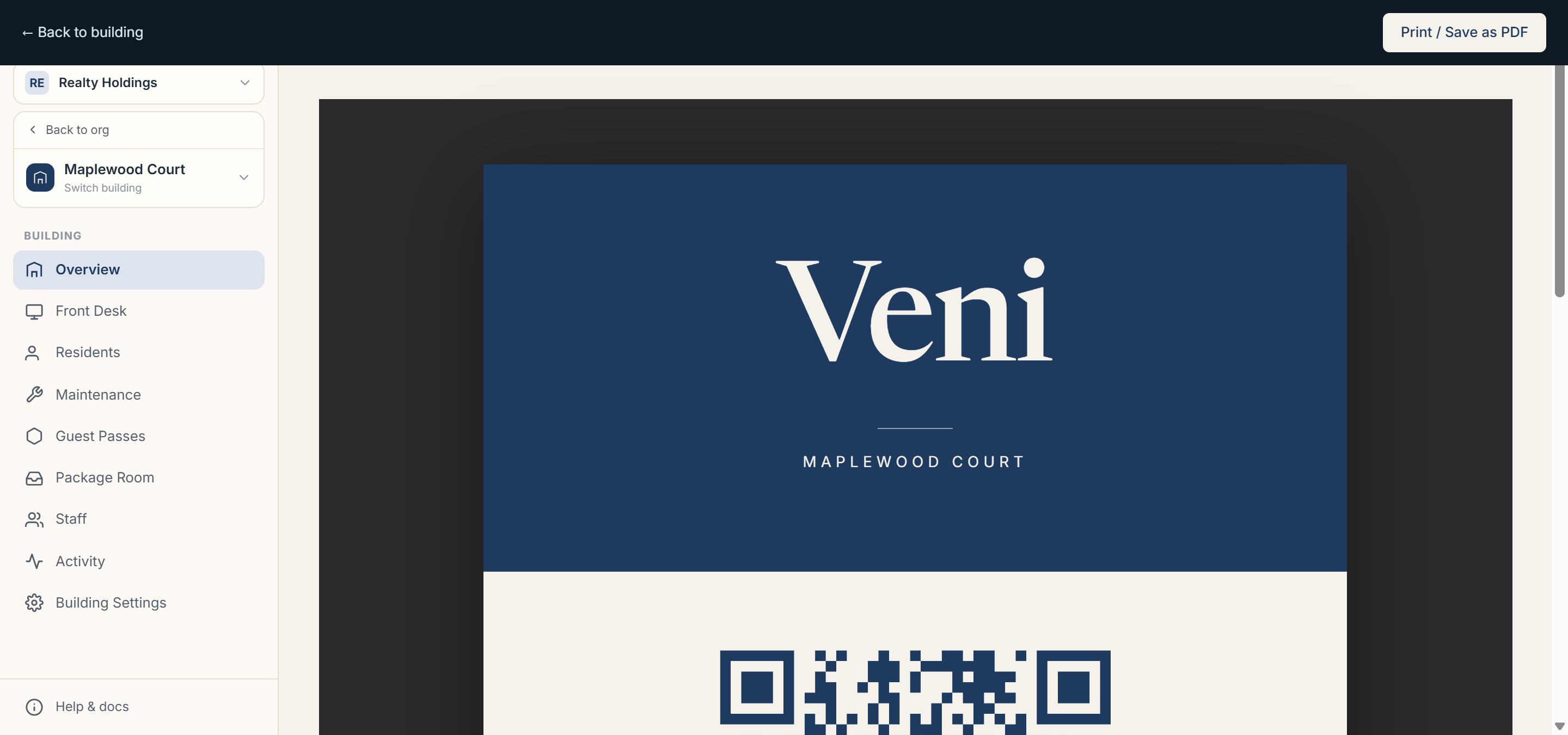 The building QR decal, ready to print
Door decals
Secondary doors get their own decals. From the Doors surface, choose QR sticker on a secondary door to open its decal: the caption reads Scan to call the front desk, and scanning it rings the desk for that specific entrance.
NFC tags (optional)
Below the QR sheet, the NFC tag card lets you program an NTAG215 sticker so residents and visitors can tap instead of scan. Use Copy NFC URL and write it to the tag with any NFC-writer app.
More in Buildings
- Setting up a door and pairing an intercom panel2 min read
- Intercom mode vs front desk mode1 min read
- Adding and managing secondary doors1 min read
- Posting building announcements to residents1 min read
- Configuring a building's settings2 min read