← All guides
Building Settings is where you configure everything specific to one building: its name and location, how visitors enter, and (in front desk mode) the desk, key exchange, and privacy rules. Open a building and choose Building Settings from its sidebar.
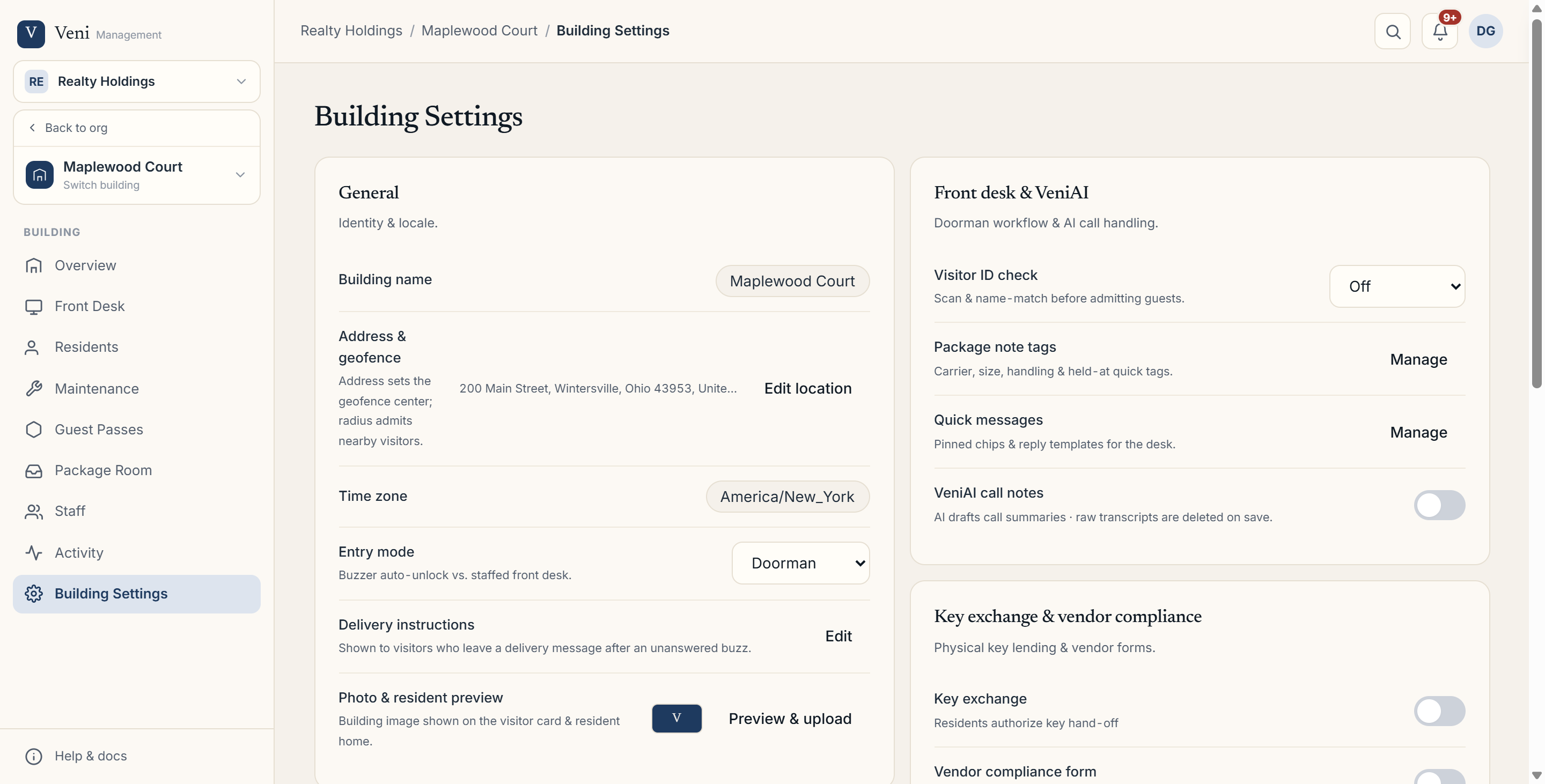 The Building Settings page
General
- Building name: edit it inline.
- Address & geofence: use Edit location to set the street address, then set the geofence radius with the slider (25 to 600 meters); the map shows the ring to scale but isn't itself draggable. The geofence checks a visitor's location before they can look up a resident or use a guest pass; it doesn't affect whether a resident can open the door.
- Time zone: used to timestamp entries, shifts, and packages.
- Entry mode: switch the building between Intercom and Front desk.
- Delivery instructions: a short note shown to carriers and visitors.
- Photo & resident preview: upload a building photo and preview how the visitor card and resident Home screen will look.
Entry & Access
This section embeds your door hardware: the front door, any secondary doors, their openers, and the QR/NFC decals. See *Adding and managing secondary doors* for the full walkthrough.
Front desk sections
When a building runs in front desk mode, extra sections appear:
- Front desk sign-in: set up desk sign-in and the on-duty roster.
- Front desk & VeniAI: visitor ID checks, package note tags, quick messages, and VeniAI call notes and budget.
- Key exchange & vendor compliance: turn on key release and the vendor form, and edit their terms.
- Privacy & retention: ID-check retention windows and document access rules.
The Danger zone at the bottom lets an admin delete the building. You'll be asked to type the building's name to confirm, but there's no further guard beyond that: deleting purges the building's doors, passes, packages, and other records completely, so treat it as irreversible.
More in Buildings
- Setting up a door and pairing an intercom panel2 min read
- Intercom mode vs front desk mode1 min read
- Adding and managing secondary doors1 min read
- Posting building announcements to residents1 min read
- Printing QR decals for the lobby and doors1 min read