Veni is organized around organizations. An organization holds a set of buildings, the people who manage them, and one billing relationship. If you manage properties under more than one entity, you can keep them in separate organizations and switch between them.
Switching organizations
The organization chip sits at the top of the left sidebar, showing the current organization's name. Click it to open the organization switcher and jump to another one. Everything below it (the Dashboard, People & Access, Alerts, and the Buildings list) is scoped to the organization you have selected.
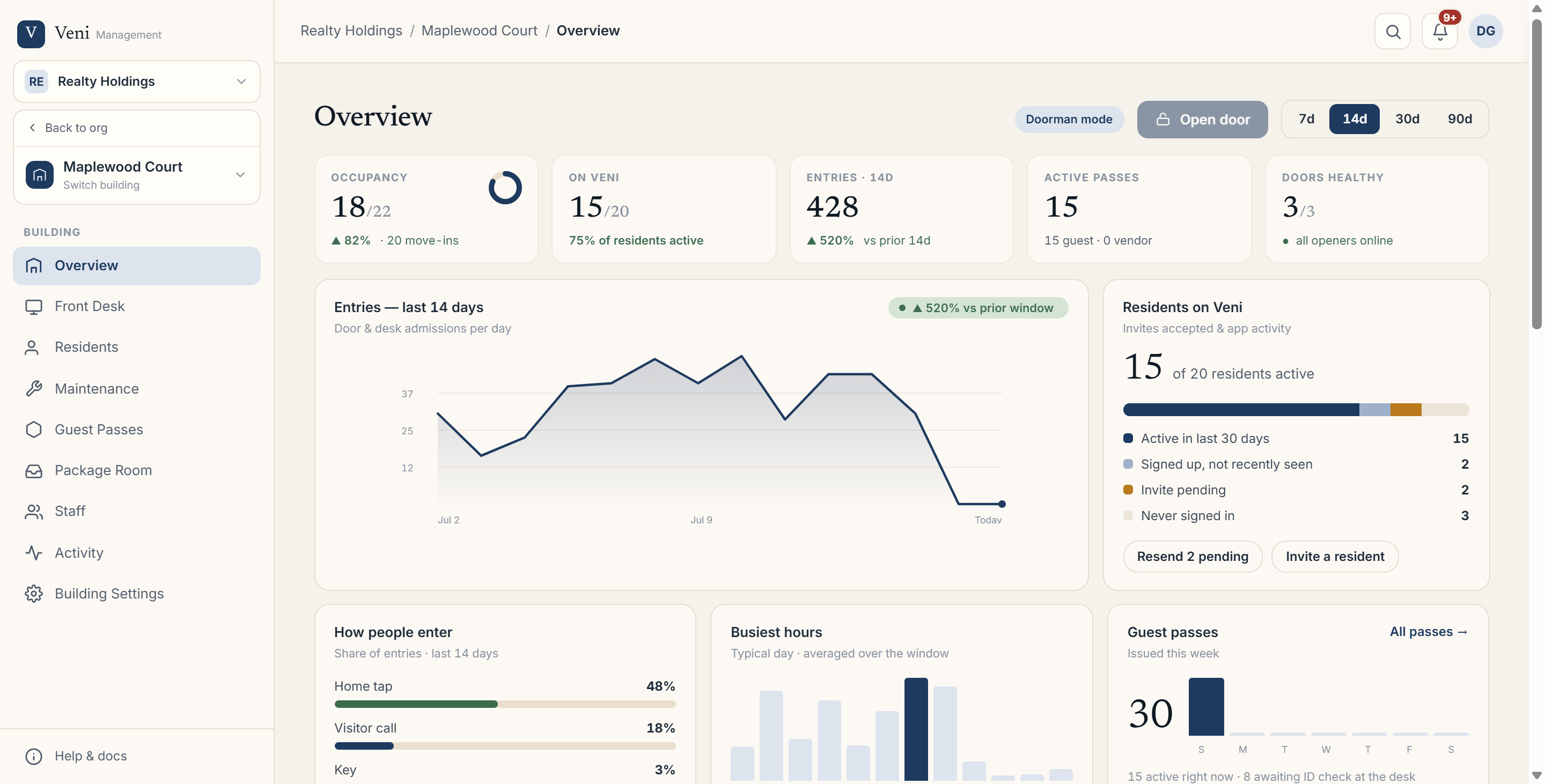 The sidebar organization switcher and Buildings group
Org view vs building view
The sidebar works in two modes:
- Organization view shows portfolio-wide pages: Dashboard, People & Access, Alerts, and Settings, followed by a Buildings group listing each building by name.
- Building view appears once you open a building. It starts with a Back to org link and a building switcher card, then the building's own tabs; Overview, Front Desk, Residents, and so on.
To move between buildings without going back to the org first, use the Switch building card near the top of the building sidebar.
Adding buildings and organizations
From the Buildings list, + New building adds a building to the current organization. The same menu offers + New organization when you need to stand up a separate portfolio with its own buildings and billing.
More in Getting started
- Adding your first building2 min read
- Getting started with Veni2 min read
- Inviting your team: staff, supers, and front desk3 min read
- Reading your dashboard and Daily Briefing2 min read
- Managing people and access2 min read