A building's Residents tab lists every unit and who lives there. Beyond inviting people, it's where you handle move-outs, transfers, and a look at any resident's history.
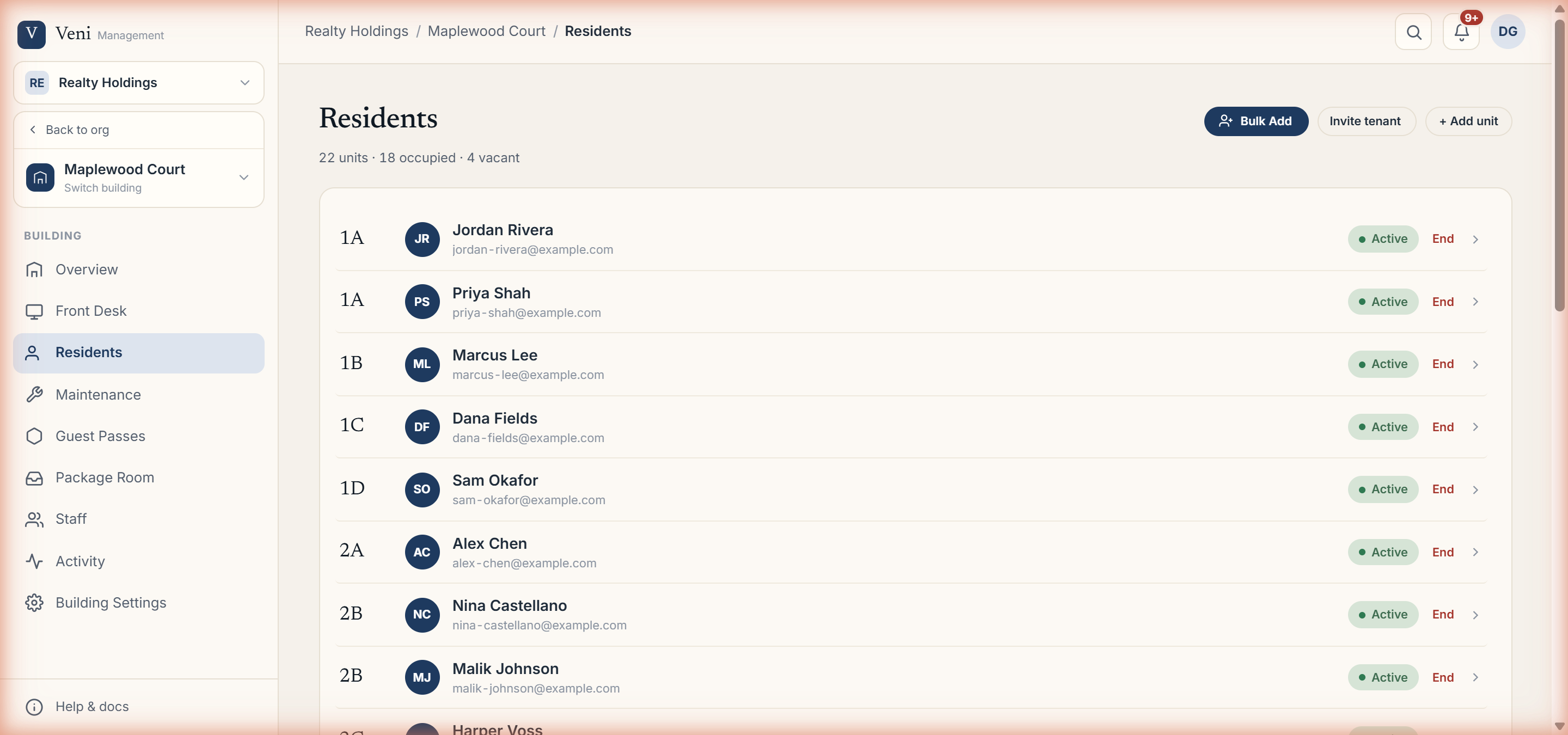 The Residents tab with per-unit rows
Reading the roster
The header shows # of units · # occupied · # vacant. Each row is a unit with one of three states:
- A tenant with a green Active pill.
- A pending Invite pending row (amber) for someone who hasn't accepted yet.
- A Vacant row labeled No resident.
Click any row to open the resident detail, which includes their profile and their recent entry history.
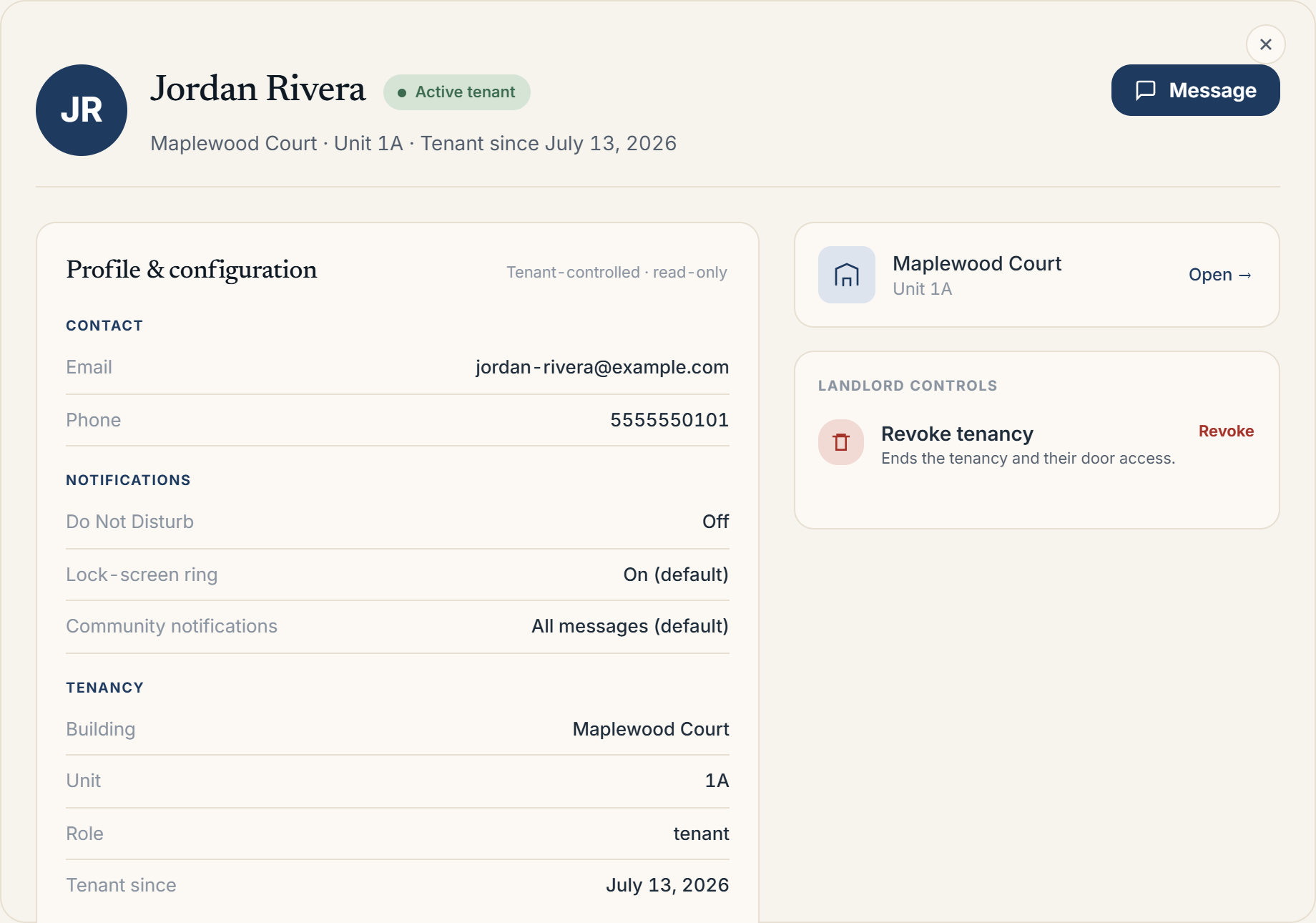 Opening a resident shows their full record: contact, notifications, tenancy, and the Revoke tenancy control
Ending a tenancy
On a resident's row, choose End. You'll confirm; *End {email}'s tenancy on unit {unit}?*, and the unit returns to vacant. Ending a tenancy revokes the resident's door access for that unit.
Moving a resident
To move someone to a different unit (or building), open People & Access, use Manage access on the person, and choose the Move unit flow. Their history follows them.
More in Residents
- Inviting residents: one at a time or in bulk2 min read
- Tracking resident app adoption1 min read
- Bulk-adding residents from a spreadsheet, CSV, or photo1 min read
- Managing units and vacancies1 min read
- The resident profile and entry history2 min read