If residents or the desk can't get a door open, the fastest way to find out why is to test the opener and read its health, right from the portal.
Check the building's door health
Open the building's Overview. The Doors healthy stat and the door-health card tell you whether openers are online. In the Buildings list, the Opener column shows the same at a glance:
- Healthy: openers online.
- Opener alert: something's wrong with the hardware.
- No opener: no opener is configured for the door yet.
 A building Overview showing door health
Test the relay
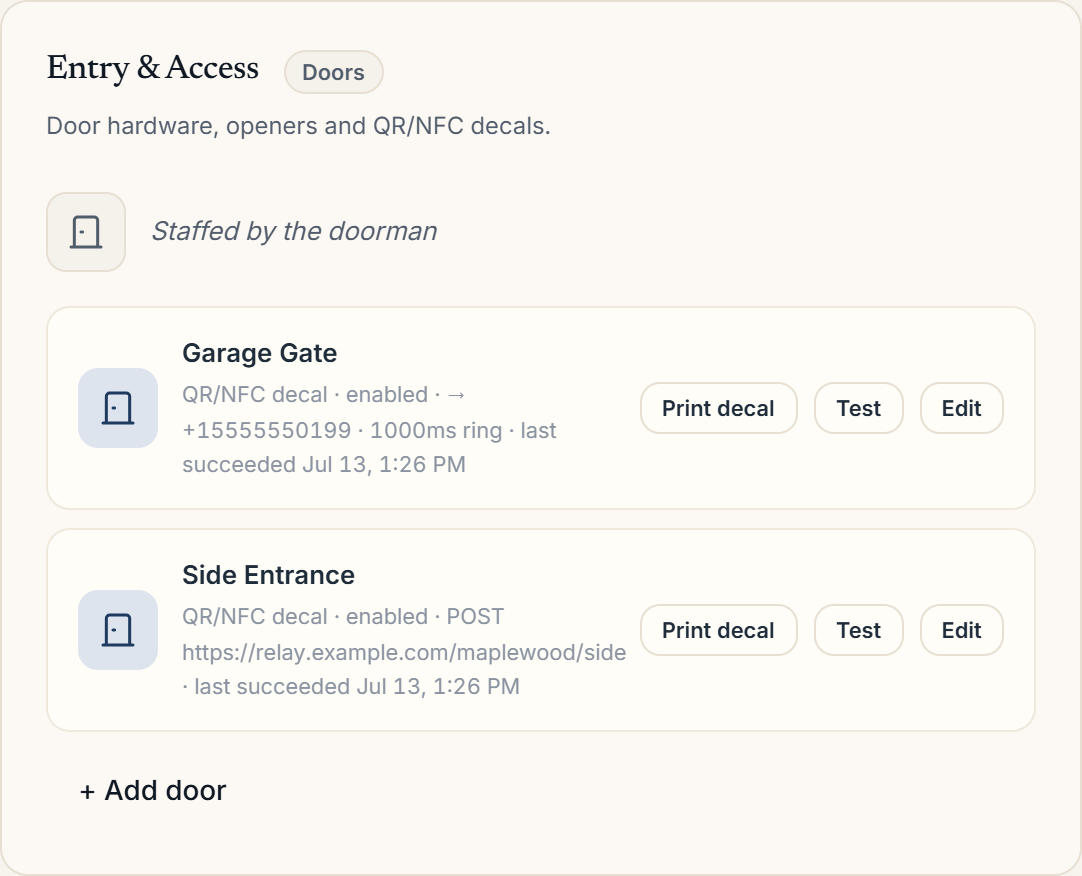
Go to Building Settings → Entry & Access (the Doors surface) and use Open now (test) on the door. This fires the relay directly:
- If the door opens on test but not for residents, the hardware is fine; look at the resident's app or their door access.
- If the test fails too, the opener or its configuration needs attention.
Check the opener configuration
Open the door with Edit. Veni supports two opener types: an HTTP smart relay (like a Shelly, with an endpoint URL and pulse duration) and a dial-to-open relay that's triggered by a phone call. Confirm the endpoint or phone number is right and the relay has power and network.
More in Troubleshooting