What "on the go" mode is
Veni's phone scanner is a separate mode from the front-desk tablet: it runs on a personal phone with the rear camera, so packages can be logged anywhere in the building instead of only at the desk. It shares the same package records as the tablet, so anything scanned here shows up immediately in the Package Room.
Scanning a label
Point the camera at the shipping label. The viewfinder reads "Point at any shipping label" with the supported carriers listed underneath: UPS · USPS · FedEx · DHL · Amazon · QR. The scanner reads barcode formats including code128, PDF417, QR, EAN-13, and UPC, and it also runs on-device OCR against the barcode capture to pull the recipient's name off the label and match it to the building roster. A capture toast confirms what was found: carrier, matched tenant and unit (or "Unmatched"), and the tracking number.
If a tracking number was already scanned earlier in the shift, or already exists in the system (whether still at the desk or already picked up), you'll get a "Seen before" or "Already scanned this" prompt before it logs again.
Confirming and saving
After a scan, the add-package sheet opens pre-filled with the tracking number, detected carrier, and the best roster match. You can edit anything before saving, or tap "No barcode? Add manually" to skip scanning and search the roster directly.
The shelf and undo
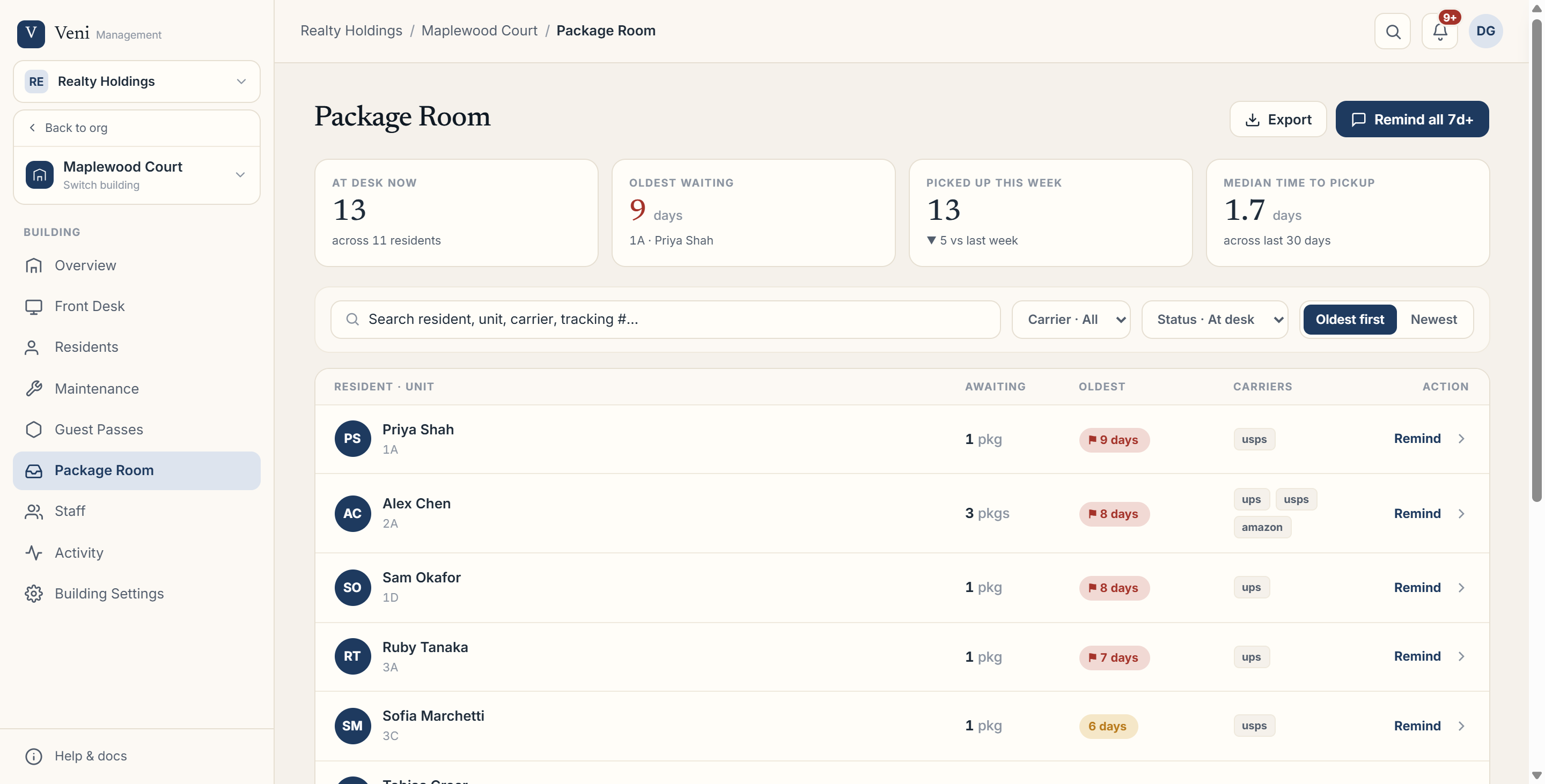 Package Room resident board on the portal
The bottom shelf tracks the shift at a glance: Scanned today and Waiting pickup counts, plus the most recent scan with the tenant's name, unit, and how long ago it was logged. After saving, a success screen confirms the tenant and automatically advances to the next scan after a few seconds. Undo remains available for up to 10 seconds after logging, since the resident's arrival notification is deliberately held for 5 seconds to give you a moment to catch a mistake before they're notified.
More in Packages
- Logging and notifying residents about packages3 min read
- Customizing package note tags1 min read
- Handling package exceptions: moved-out and duplicates1 min read
- Package Room metrics and exports2 min read