Most packages move through the desk cleanly: logged, resident notified, picked up. The Package Room flags the two cases that don't so they don't sit forgotten at the desk; packages for a resident who has moved out, and likely duplicate deliveries.
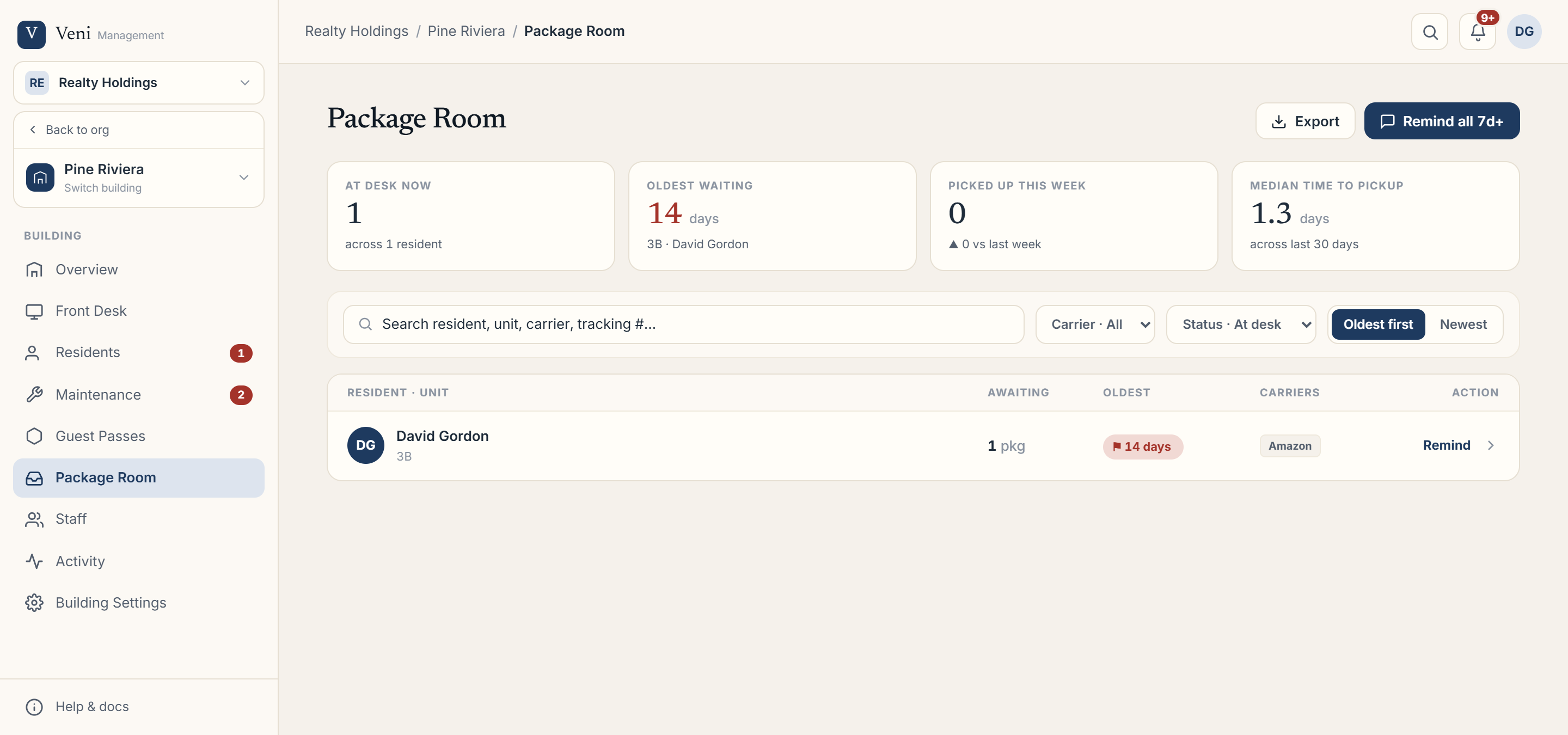 The Package Room aging board, where exceptions are flagged
Where exceptions show up
Open a front-desk building's Package Room. When there's anything to resolve, an exceptions banner appears at the top with a Review → action. Two types are surfaced:
Moved-out residents
A moved-out exception is a package at the desk whose unit no longer has an active tenancy: the resident's lease ended while their delivery was still waiting. Review it and set a desk instruction:
- Return to sender: hand it back to the carrier.
- Merge / review: reconcile it with a forwarding address or a new tenant.
Duplicates
A duplicate exception is two or more packages at the desk that share the same tracking number, often the same delivery logged twice. Confirm they're truly duplicates, then dismiss the flag; dismissing clears it for the whole group.
Clearing the aging board
Separately, Remind all 7d+ sends a reminder to every resident whose oldest waiting package is at least a week old. It automatically skips moved-out residents and anyone reminded within the last 24 hours.
More in Packages
- Logging and notifying residents about packages3 min read
- Customizing package note tags1 min read
- Package Room metrics and exports2 min read
- Scanning packages on the go2 min read