← All guides
When the front desk logs a delivery, they tag it with a few quick chips instead of typing a description. You control what those chips say per building, so the tags match how your desk actually sorts packages. They live under Building Settings → Front desk & VeniAI → Package note tags.
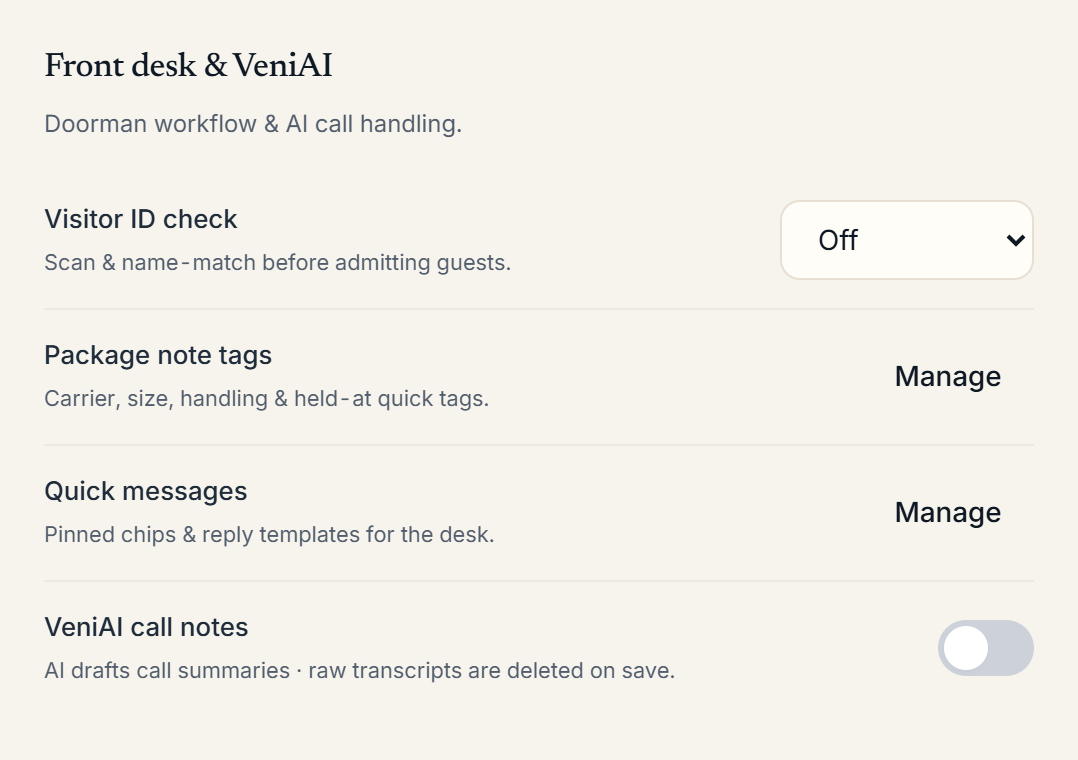 The package note tag options in Building Settings
The four tag groups
- Carrier (single-select): Amazon, UPS, FedEx, USPS, DHL, and any custom carriers you add.
- Size / type (single-select): envelope, small box, large box, and so on.
- Handling (multi-select): fragile, perishable, heavy, signature required.
- Held at (single-select): where the package is kept; defaults to At desk.
Add, rename, or remove options in any group. Your changes appear the next time the front desk opens the Add package sheet on the tablet.
Why the tags matter
The tags aren't just labels. They feed the automatic message a resident gets when their package is logged: a perishable item, for example, tells the resident it's being kept cold and to pick it up soon. They also drive the filters on the Package Room aging board.
Package note tags are set per building. If you run several buildings the same way, you'll configure each one; there's no shared template yet.
More in Packages
- Logging and notifying residents about packages3 min read
- Handling package exceptions: moved-out and duplicates1 min read
- Package Room metrics and exports2 min read
- Scanning packages on the go2 min read